How to Stop Chasing Invoices & Get Your Landscaping Business Paid Faster Automatically
Automate landscaping invoicing & get paid faster! Discover how to choose the best lawn care billing software, set up payment reminders, and streamline collections.
How to Stop Chasing Invoices & Get Your Landscaping Business Paid Faster Automatically
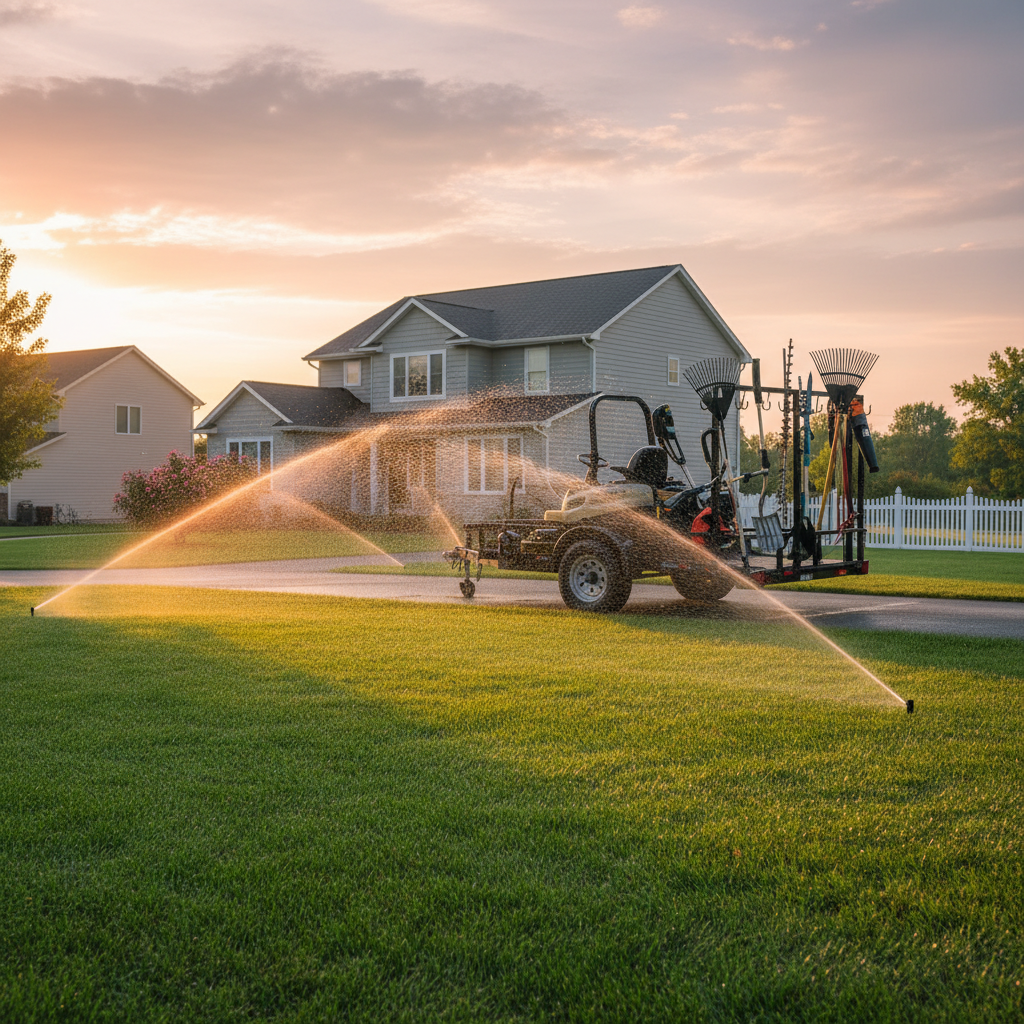
Automating your billing and collections saves time, improves cash flow, and reduces errors. Start by choosing the right landscaping billing software. Look for features like automatic invoice generation, payment reminders, and online payment processing. Compare options like Jobber, ServiceTitan, and Housecall Pro to find the best fit for your lawn care business.
Automated Billing and Collections: A How-To Guide for Landscaping & Lawn Care Owners
Tired of chasing down payments and spending hours on manual invoicing? Automated billing and collections is your answer. This guide will walk you through setting up a system that gets you paid faster and frees up your valuable time.
1. Understand the Benefits
Automated billing and collections streamlines your financial processes. It reduces the risk of human error in invoicing and payment tracking. This ultimately leads to a healthier cash flow for your landscaping business.
[!TIP] Automating these tasks allows your team to focus on what they do best: delivering exceptional landscaping and lawn care services.
2. Choose the Right [Landscaping Billing Software]
This is your most crucial step. The right software will transform your operations. Look for platforms specifically designed for service-based businesses like yours.
Key features to consider for [lawn care invoicing automation] include:
- Automatic Invoice Generation: Create invoices based on completed services.
- Recurring Billing: Set up automatic invoices for regular lawn maintenance contracts.
- Online Payment Processing: Allow clients to pay securely online via credit card or bank transfer.
- Payment Reminders: Automatically send polite follow-ups for outstanding invoices.
- Customer Portal: Give clients access to view their invoices and payment history.
- Reporting and Analytics: Track your accounts receivable and payment trends.
3. Compare Top Software Options
When searching for the [best billing software for lawn care business], you'll find many options. It's wise to compare.
- [Jobber]: Often praised for its user-friendliness and comprehensive features for small to medium-sized landscaping businesses. It excels at scheduling, quoting, and has robust [automated accounts receivable for landscapers].
- [ServiceTitan]: A more powerful, all-in-one platform geared towards larger or rapidly growing landscaping and home service companies. It offers advanced marketing and CRM tools alongside billing.
- [Housecall Pro]: Another strong contender with a good balance of features for field service management, including invoicing and payments, making it a solid choice for [collecting payments landscaping company].
[!IMPORTANT] Take advantage of free trials to test the software's interface and see if it fits your workflow before committing.
4. Set Up Your Software
Once you've chosen your [landscaping billing software], it's time to implement it. This involves configuring the system to match your business needs.
4.1. Input Your Services and Pricing
- List all your services: Lawn mowing, fertilization, aeration, landscape design, etc.
- Set accurate pricing: Ensure your pricing is entered correctly for each service. This is crucial for generating accurate invoices.
4.2. Configure Payment Options
- Connect your bank account or merchant services: For processing credit card and ACH payments.
- Set up payment terms: Define what is considered "due upon receipt" or other terms.
- Automate late fees (optional): Consider if and how you want to apply late fees for overdue payments.
4.3. Define Automation Rules
- Invoice generation triggers: When should an invoice be created? (e.g., upon job completion).
- Payment reminder schedule: How many days before and after the due date should reminders be sent?
- Recurring billing intervals: Set the frequency for ongoing services.
5. Migrate Your Customer Data
Carefully transfer your existing customer information into the new system. This includes contact details, service history, and any outstanding balances.
6. Train Your Team
Ensure everyone who will interact with the billing system is properly trained. This includes office staff and field technicians who might be marking jobs complete.
7. Go Live and Monitor
Start using your automated system for all new jobs. Regularly review your reports to ensure everything is running smoothly and that your [automated accounts receivable for landscapers] are being managed effectively.
8. Refine and Optimize
The system isn't set-it-and-forget-it. As your business grows, revisit your settings. Adjust reminder timings or add new service options as needed. Continuous improvement ensures efficient [collecting payments landscaping company].