How to Go Paperless with Pest Control Records and Ditch Compliance Headaches
Streamline pest control compliance, boost efficiency, and eliminate errors with our guide to digital record-keeping. Learn software essentials, data migration, and team training for a paperless future.
How to Go Paperless with Pest Control Records and Ditch Compliance Headaches
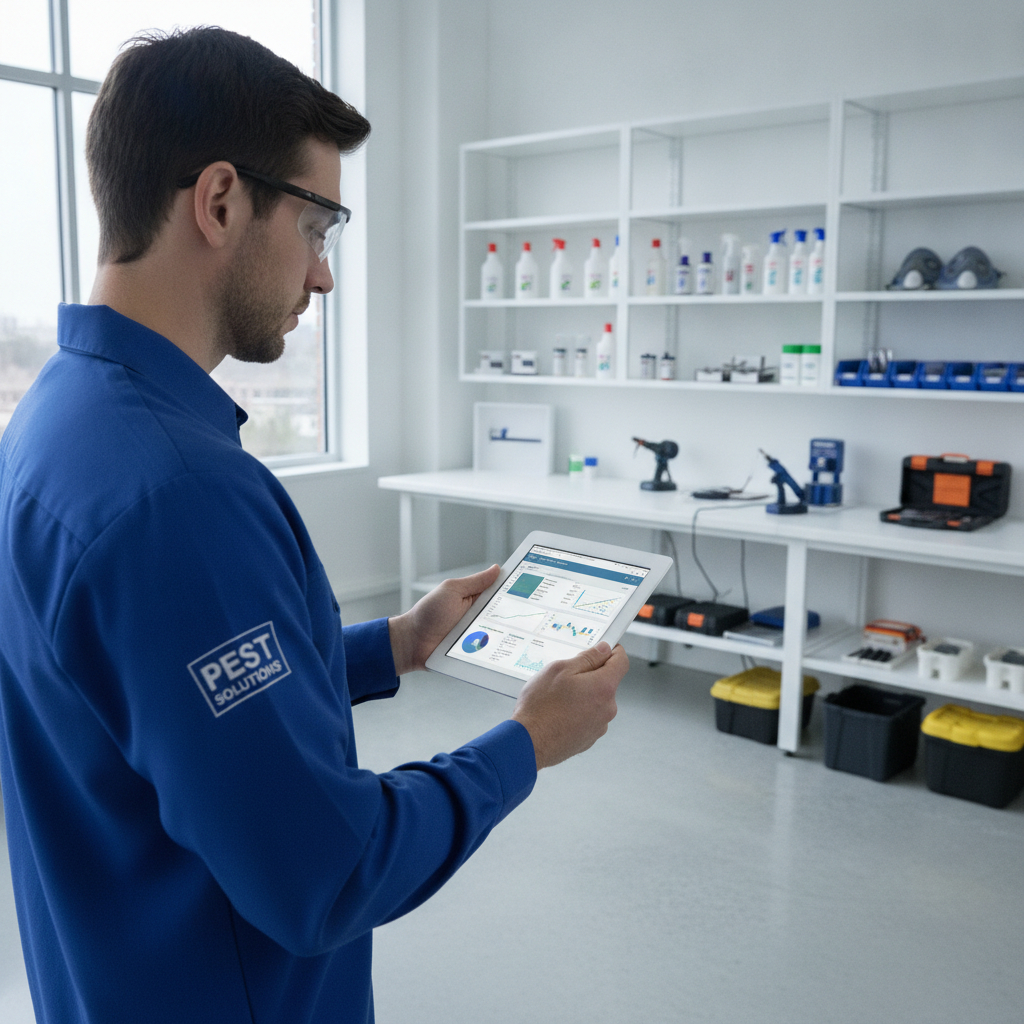
TL;DR: Digital regulatory documentation for pest control streamlines compliance, improves efficiency, and reduces errors. This guide explains how to transition from paper to digital, highlights essential features of [pest control software], and compares popular options. Embrace [pest management digital compliance] for a more robust and future-proof business.
Your How-To Guide: Digital Regulatory Documentation for Pest Control
Moving your [pest control digital record keeping] to a digital format might seem daunting, but it's essential for modern operations. This guide will break down the process into manageable steps. Let's transform your [modern pest control documentation].
Step 1: Understand Your Regulatory Requirements
Before going digital, you need to know what you're digitizing. Identify all federal, state, and local regulations that apply to your pest control services. This includes record-keeping mandates for pesticide application, chemical storage, and customer notifications.
- EPA (Environmental Protection Agency): Understand requirements for pesticide use and record keeping.
- State Department of Agriculture/Pesticide Control Board: Check specific state-level regulations.
- Local Ordinances: Be aware of any city or county specific rules.
[!IMPORTANT] Failure to comply with regulations can lead to hefty fines, license suspension, and damage to your reputation. Knowing these requirements is the foundation of effective [pest management digital compliance].
Step 2: Choose the Right Software
The heart of your digital transformation lies in your [pest control software]. Look for solutions designed specifically for the pest control industry. These platforms are built to handle your unique needs, from scheduling to billing and, most importantly, [electronic pest control logs].
Key features to prioritize include:
- Mobile App: For technicians in the field to access and update records in real-time.
- Reporting Capabilities: To generate reports for audits and clients.
- Audit Trail: To track all changes made to records, crucial for [pest control software audit trails].
- Customer Management: To store client information and service history.
- Inventory Management: For tracking chemical usage.
Step 3: Data Migration and Setup
Once you've selected your software, it's time to bring your existing data into the digital realm. This might involve scanning old paper records or manually entering data. Many [pest control software] solutions offer import tools to streamline this process.
- Back up your existing data. Never start a migration without a secure backup.
- Enter core business information such as company details, employee profiles, and service offerings.
- Input customer and site information systematically.
[!TIP] Consider a phased approach to data migration. Start with active clients and recent records, then gradually incorporate older information as time allows.
Step 4: Train Your Team
Your team's adoption of the new system is critical for success. Provide comprehensive training on how to use the [pest control software], focusing on how it simplifies their daily tasks and ensures accurate [electronic pest control logs].
- Hands-on training sessions are more effective than just reading manuals.
- Develop cheat sheets or quick-start guides for common tasks.
- Designate a point person within your company for troubleshooting and ongoing support.
Step 5: Implement and Refine
Roll out the digital system to your technicians and office staff. Encourage them to use it for all [pest control digital record keeping]. Regularly review the data being entered to ensure accuracy and completeness.
- Monitor usage and identify any bottlenecks. Are technicians finding it easy to use the mobile app?
- Gather feedback from your team. What’s working well? What could be improved?
- Update your standard operating procedures to reflect the new digital workflows.
Comparing Software Options
Choosing the right [pest control software] can be a tough decision. Here's a brief comparison of Smart Service with two other popular options:
- Smart Service: Known for its robust features tailored to pest control, including strong mobile capabilities, scheduling, and invoicing. It excels at providing clear [pest control software audit trails] for compliance.
- ServiceTitan: A comprehensive platform for home services, including pest control. It offers advanced features for marketing, sales, and operations, with a strong emphasis on [modern pest control documentation].
- FieldRoutes: Focuses on route optimization and operational efficiency. It's a good option for businesses looking to streamline scheduling and service delivery, and it also supports [pest management digital compliance].
[!IMPORTANT] Each software has its strengths. Test drive a few options with free trials to see which best fits your company's workflow and budget for [pest control digital record keeping].
By embracing digital documentation, you're not just meeting regulatory requirements; you're building a more efficient, organized, and professional pest control business.