How to Automate Your Roofing Insurance Claims and Get Paid Faster, Not Frustrated
Streamline your roofing insurance claims with milestone-based automation. Learn to track progress, reduce errors, and get paid faster with the right software.
How to Automate Your Roofing Insurance Claims and Get Paid Faster, Not Frustrated
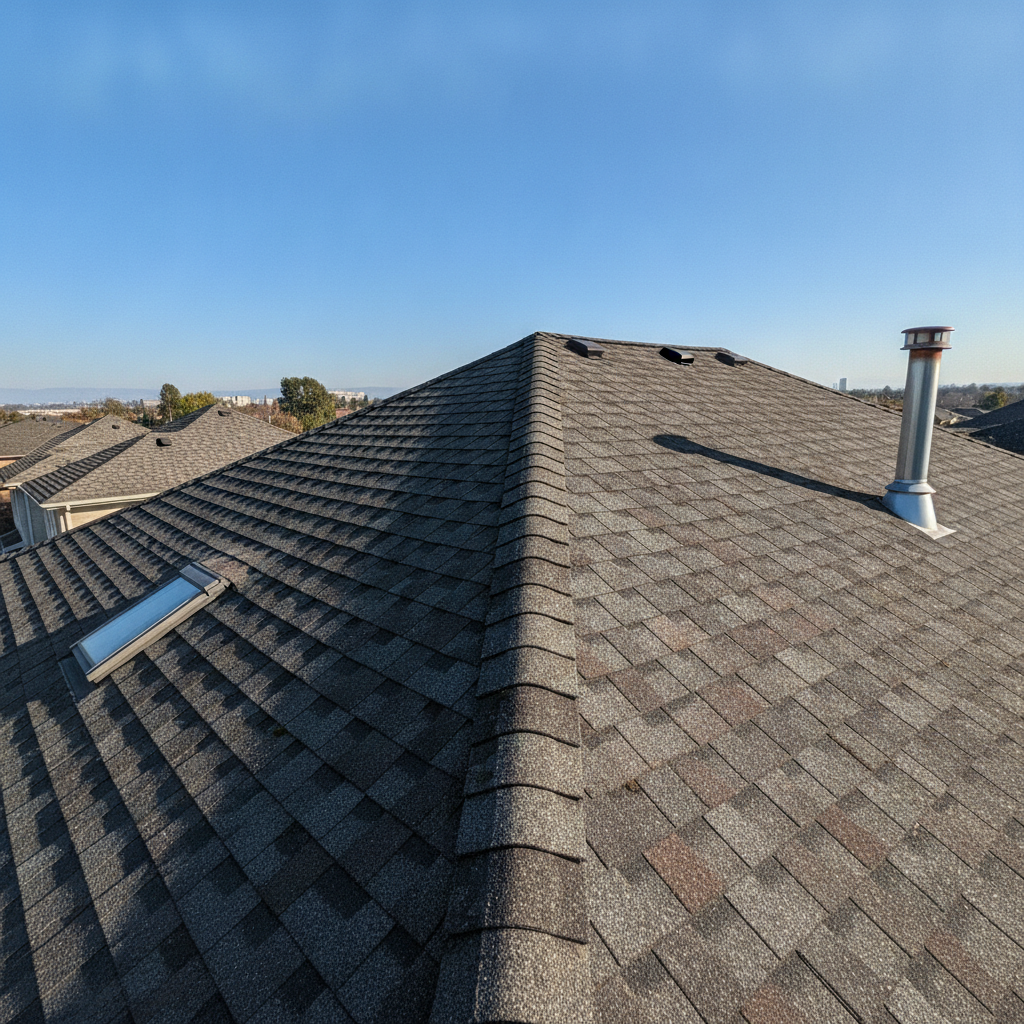
Milestone-Based Insurance Workflow Automation for Roofing Contractors
As a roofing contractor owner, managing insurance claims can be a major bottleneck. Milestone-based insurance workflow automation is your key to a smoother, more profitable operation. This approach breaks down the complex insurance process into manageable, trackable steps.
Why Automate Your Roofing Insurance Workflow?
- Faster Payments: Get paid quicker by ensuring every step is completed and documented correctly.
- Reduced Errors: Minimize costly mistakes that delay claims and frustrate customers.
- Improved Efficiency: Free up your team to focus on selling and completing jobs, not paperwork.
- Enhanced Customer Satisfaction: Provide clients with a transparent and stress-free claims experience.
[!TIP] Roofing insurance claim automation isn't just about software; it's about strategically planning your process around key milestones.
Understanding the Milestones
Every roofing insurance claim follows a predictable path. Identifying these key stages allows you to implement automation effectively.
- Initial Contact & Assessment: Customer reports damage, and you schedule an inspection.
- Damage Assessment & Scope: Detailed inspection, photos, and scope of work documented.
- Estimate Creation & Submission: Building a detailed estimate and submitting it to the insurance company.
- Insurance Approval & Supplement Approval: Receiving approval for the initial scope and any subsequent adjustments.
- Material Ordering & Scheduling: Once approved, order materials and schedule the work.
- Work Completion & Inspection: The roofing job is finished, and the final inspection is done.
- Final Invoice & Payment: Submitting the final invoice and receiving payment from the insurance company.
Implementing Milestone Tracking Roofing
To truly automate roofing insurance workflow, you need a system to track each of these milestones. This is where roofing CRM software becomes indispensable.
Choosing the Right Software
Several platforms can help you achieve roofing insurance claim automation. Consider your budget, team size, and specific needs.
- AccuLynx: A popular choice designed specifically for roofing contractors. It offers strong milestone tracking roofing capabilities and integrations for the roofing contractor insurance process.
- JobNimbus: Another robust option with a focus on project management and CRM features. It excels at organizing job details and roofing claim payment automation.
[!IMPORTANT] When comparing, look for software that allows for customizable workflows and automated notifications at each milestone.
- Other Options to Consider:
- ServiceTitan: A comprehensive platform for trades businesses, offering extensive automation and reporting. It's a powerful solution for larger operations.
- Buildertrend: While not exclusively for roofing, it provides strong project management and financial tools that can be adapted for insurance claims.
Setting Up Your Automated Workflow
Once you've chosen your software, it's time to configure your roofing insurance claim automation. This involves mapping your milestones within the system.
Step 1: Define Your Milestones in the Software
- Create custom stages or statuses within your chosen roofing CRM software.
- Label each stage clearly to represent the milestone tracking roofing points discussed earlier.
Step 2: Trigger Automated Actions
- Set up automated notifications to alert your team when a milestone is reached or a task is due.
- Configure email or text message alerts for clients, keeping them informed about progress.
- Use roofing claim payment automation features to send follow-up reminders for outstanding invoices.
Step 3: Integrate with Other Tools
- Connect your roofing insurance claim automation software with accounting platforms or document management systems. This streamlines data flow and reduces manual entry.
- Many CRMs offer integrations with communication tools to keep all conversations linked to the job.
Step 4: Train Your Team
- Ensure everyone understands the new workflow and how to use the software effectively.
- Regular training sessions will reinforce best practices for roofing insurance claim automation.
Benefits of Milestone-Based Automation
By diligently implementing milestone tracking roofing, you'll see tangible improvements. This structured approach is the backbone of an efficient roofing contractor insurance process.
- Reduced Cycle Time: From initial claim to final payment, the entire process speeds up. This is crucial for roofing claim payment automation.
- Improved Cash Flow: Faster payments mean better cash flow for your business.
- Data-Driven Insights: Track how long each milestone takes to identify areas for further optimization in your roofing insurance claim automation.
- Team Accountability: Clear milestones make it easy to see who is responsible for what and when.
[!IMPORTANT] Automate roofing insurance workflow is an ongoing process. Regularly review your system and make adjustments as needed to maximize efficiency and profitability.